> For the complete documentation index, see [llms.txt](https://playnetwork.gitbook.io/play-sdk-documentation/llms.txt). Markdown versions of documentation pages are available by appending `.md` to page URLs; this page is available as [Markdown](https://playnetwork.gitbook.io/play-sdk-documentation/v0.12.0/sdk-integration-guides/getting-started/unity/step-2-import-credentials.md).
# Step 2 - Import credentials
Unity integration
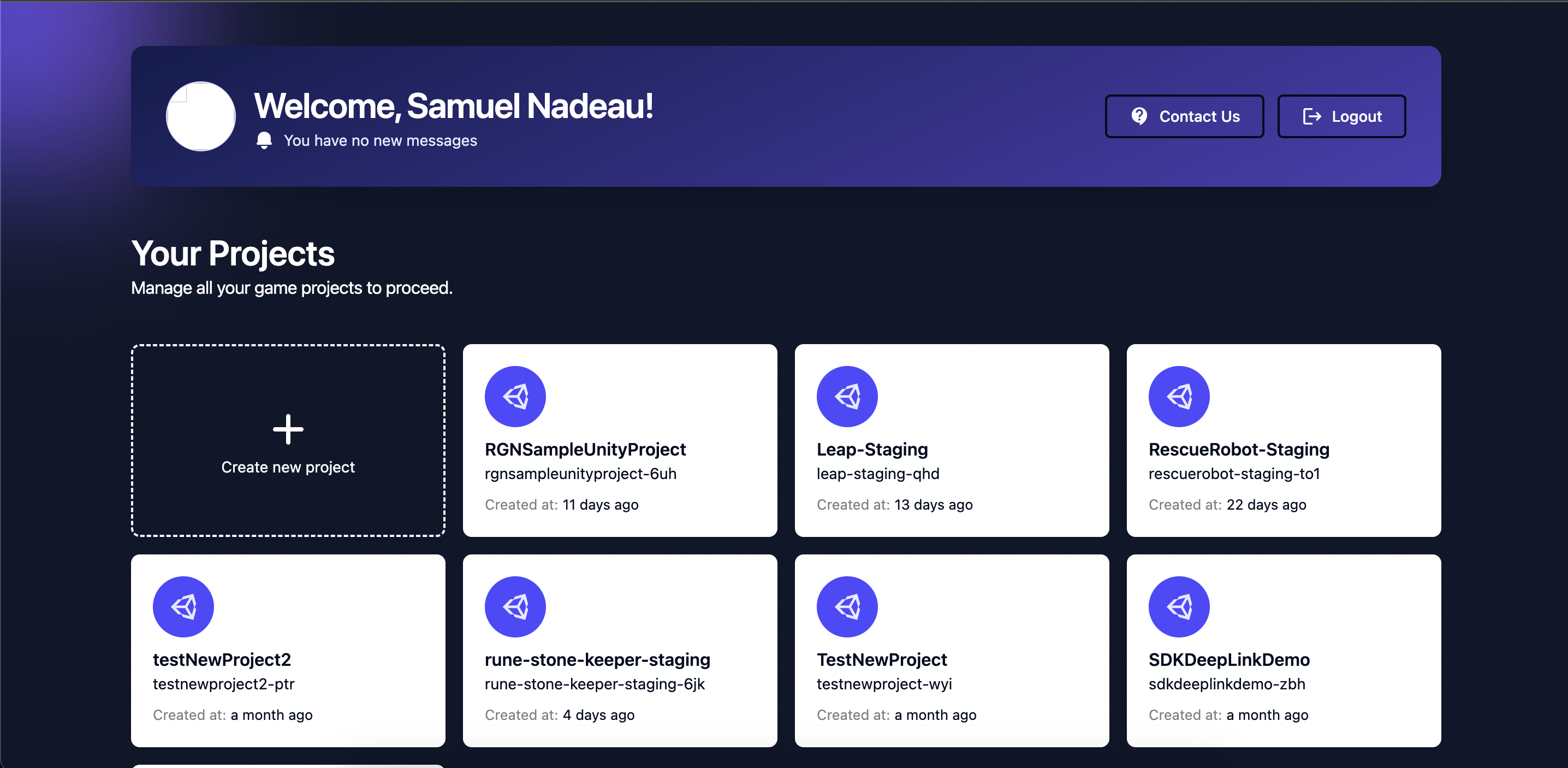
1. Go on the [developer dashboard](https://ready.gg/developer/) and select your project.
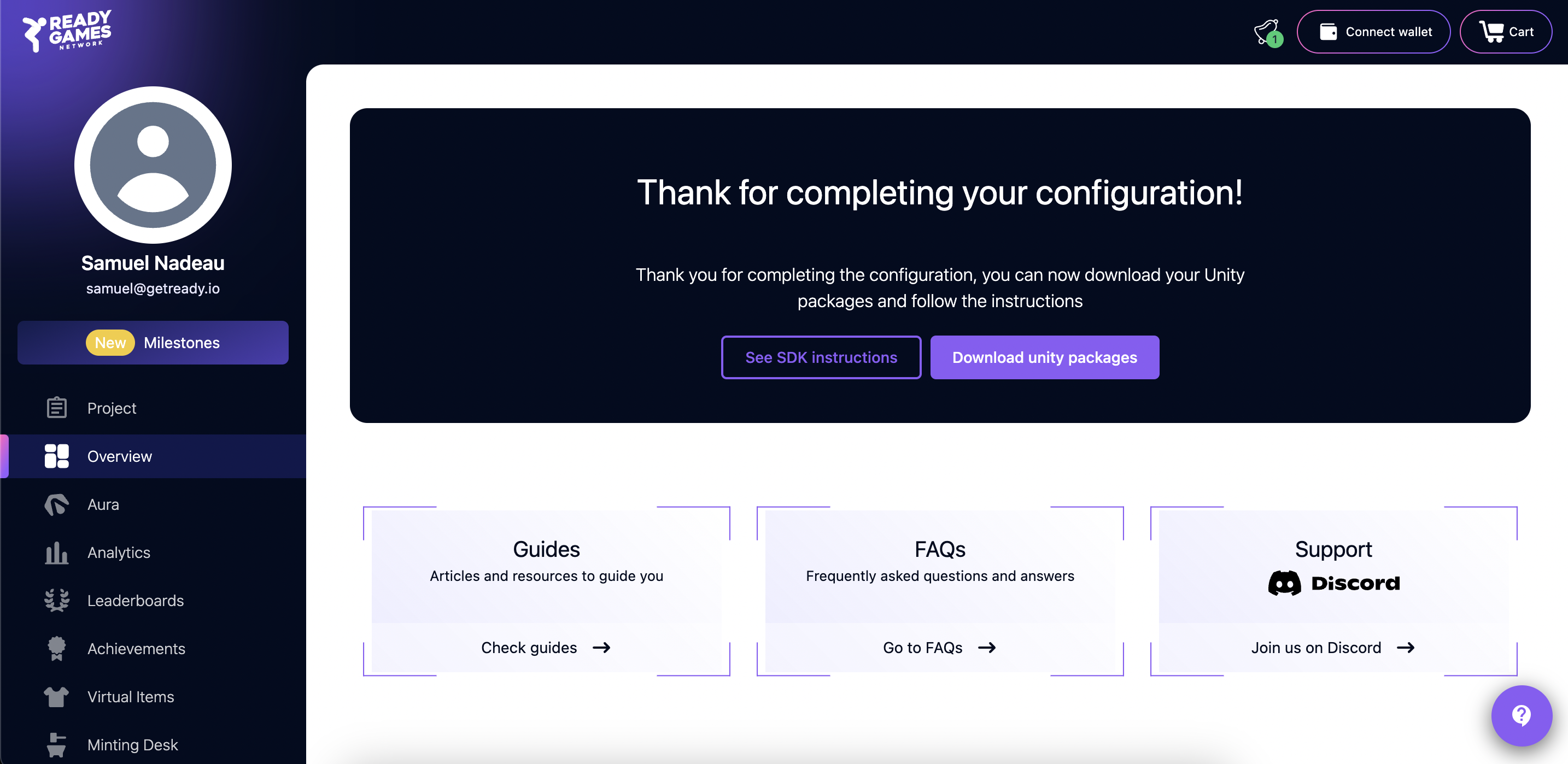
2. Click on ***Download unity packages*** to download your project credentials.
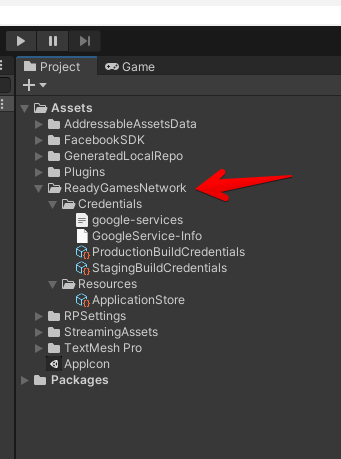
3. Import this file by using Unity ***Assets->Import Package->Custom Package...*** menu. After importing you should see the ReadyGamesNetwork folder in your Assets folder with all necessary settings:\